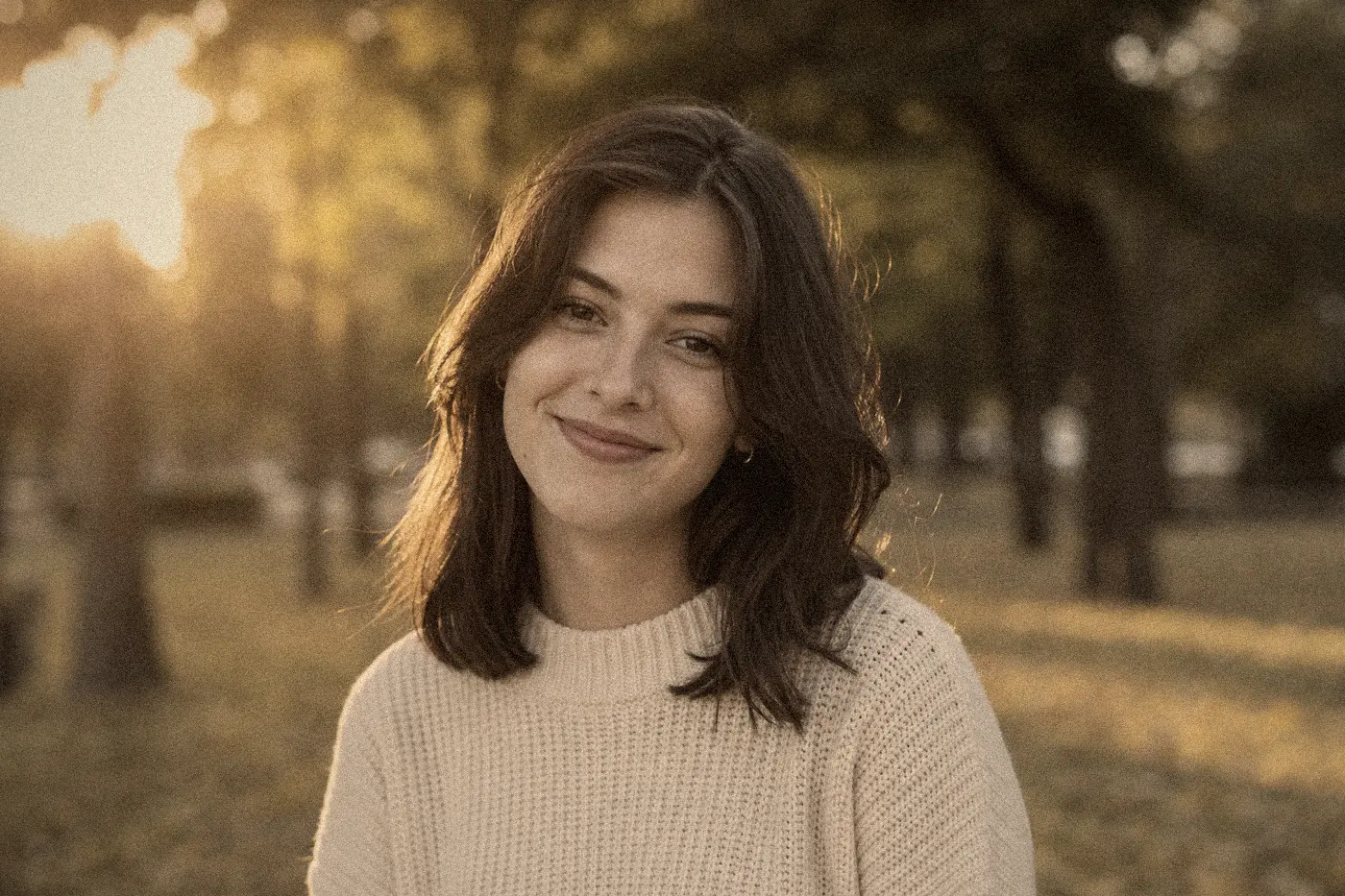
Old Photo
Classic Old Photo
A balanced old photo effect with warm tones, light grain, and a subtle vignette. Broadly usable for portraits, travel, and everyday scenes.
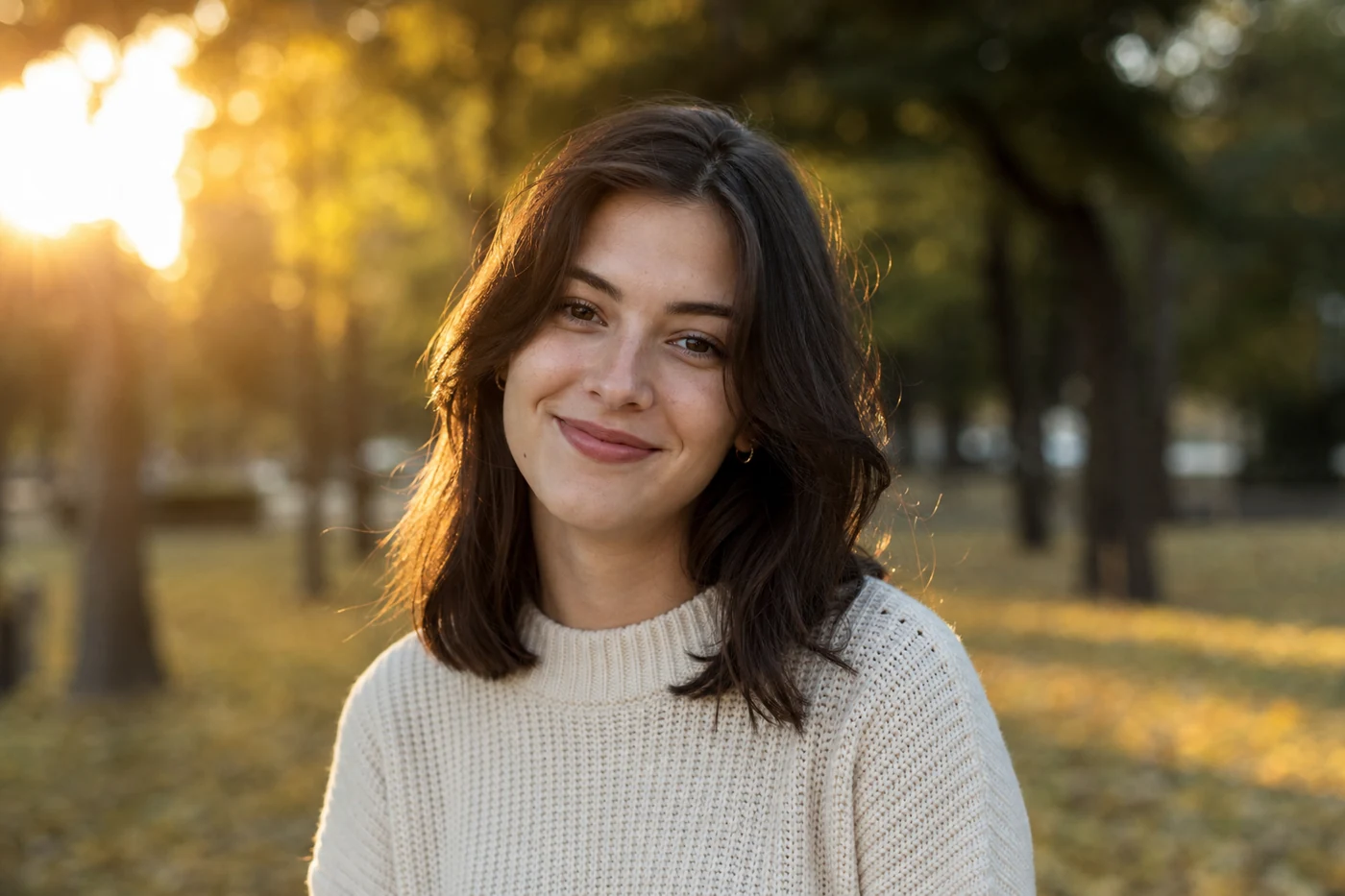
Online editor for grain, dust, scratches, vignette, and film-inspired color — privately in your browser.
Private, browser-based editing
Add vintage grain, dust, scratches, fading, and film-inspired color.
Showing a sample photo. Upload your own to get started.
Old Photo
Film Looks
Camera Effects
Fine-tune individual texture and color layers. Coming soon in a future update.
Every preset is applied to the same sample photo so you can see how different they really are — not just the same sepia at different strengths. Whether you want a vintage photo filter, film photo filter, or retro photo filter look, pick one as a starting point in the tool above, then fine-tune the strength for your own photo.
A balanced old photo effect with warm tones, light grain, and a subtle vignette. Broadly usable for portraits, travel, and everyday scenes.
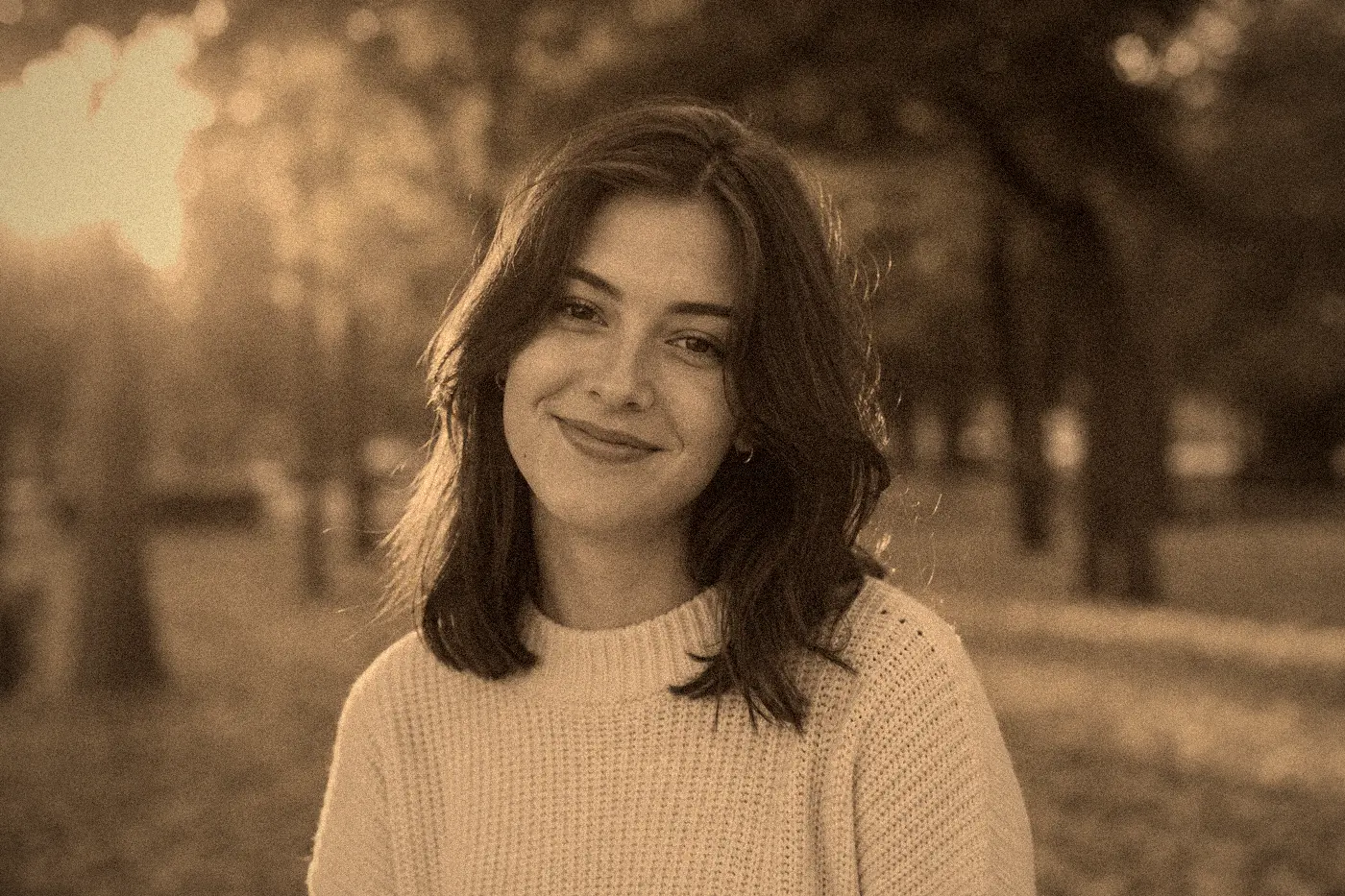
Strong sepia, paper-like fading, a visible vignette, and noticeable dust and light scratches, like a photo pulled from an old family album.
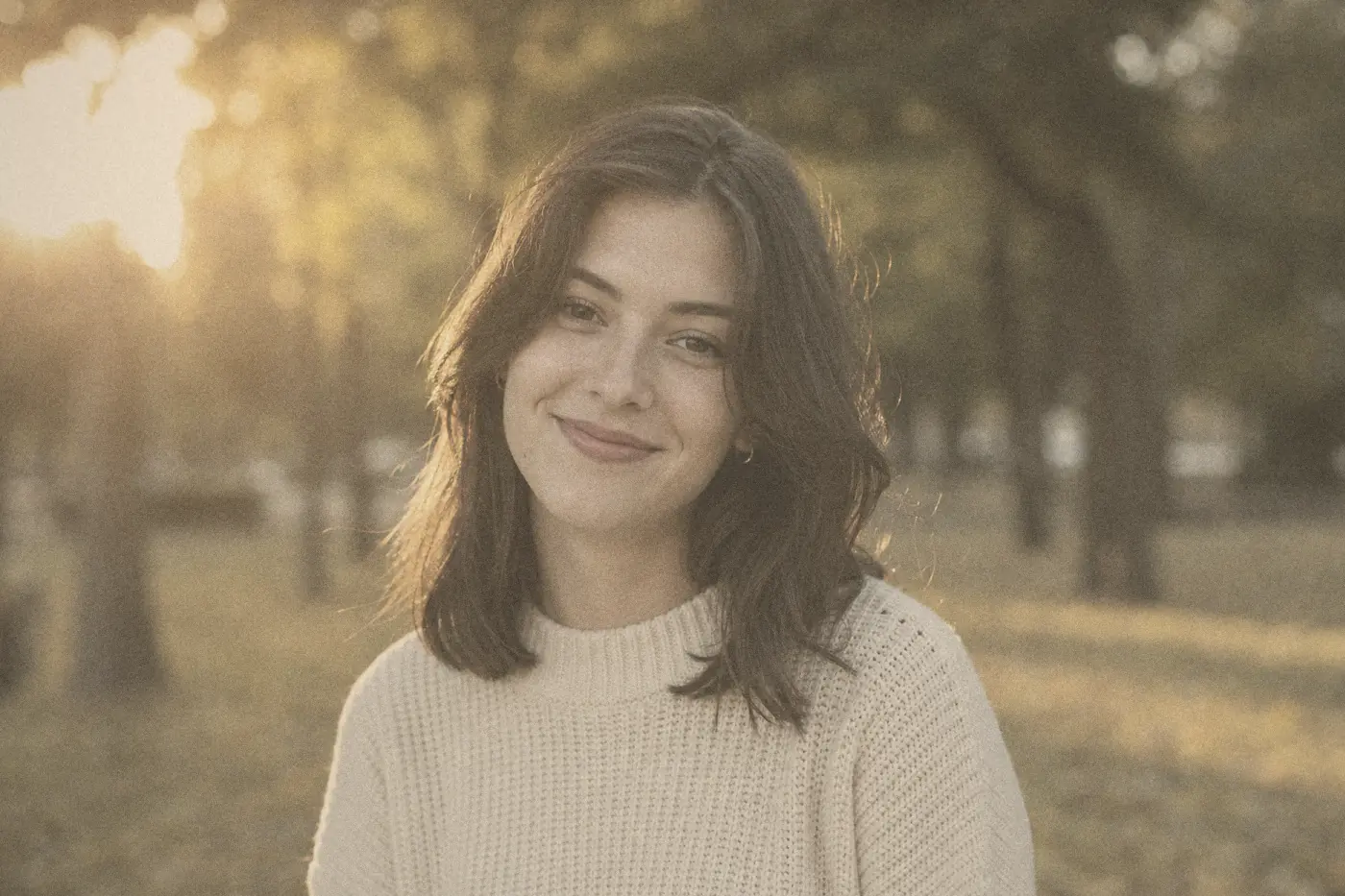
Low contrast, faded warmth, and subtle yellowing recreate the relaxed feel of prints kept in an old photo album for decades.
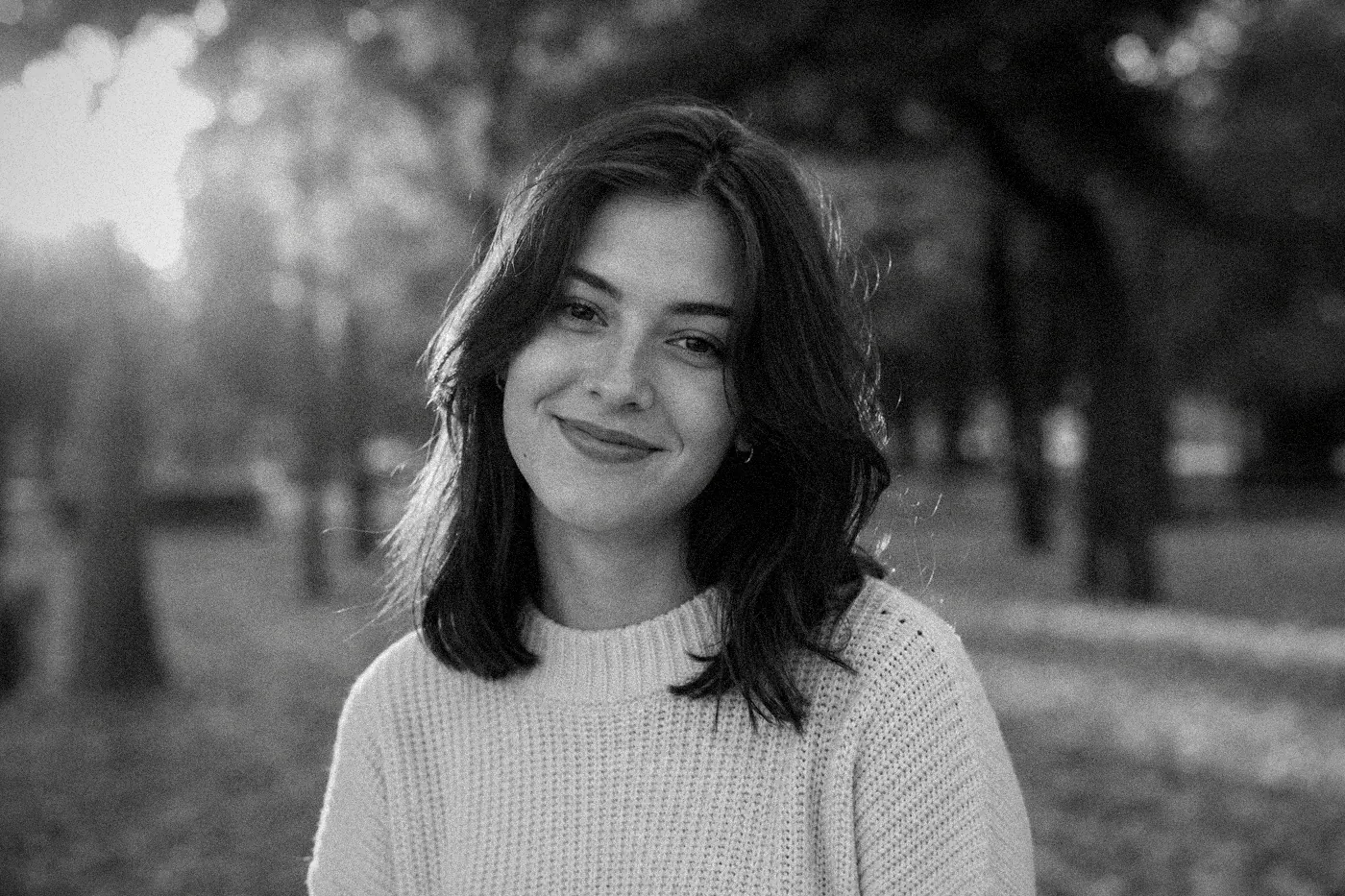
Near-monochrome color with visible grain, dust, and fine vertical scratches for a classic documentary or archive-photo look.
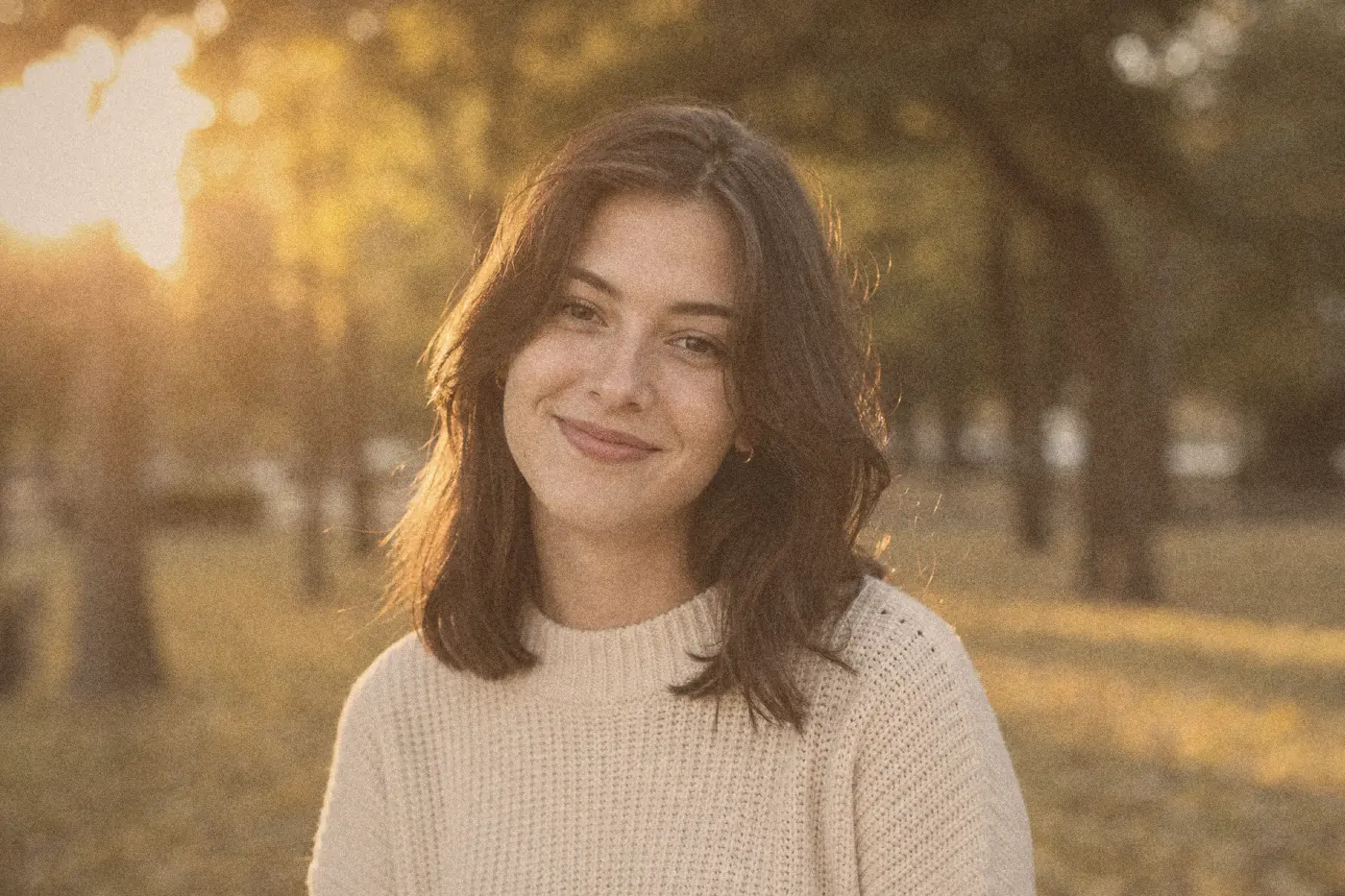
Warm skin tones, soft highlights, and fine grain, a film-inspired look built for portraits and people-focused photos.
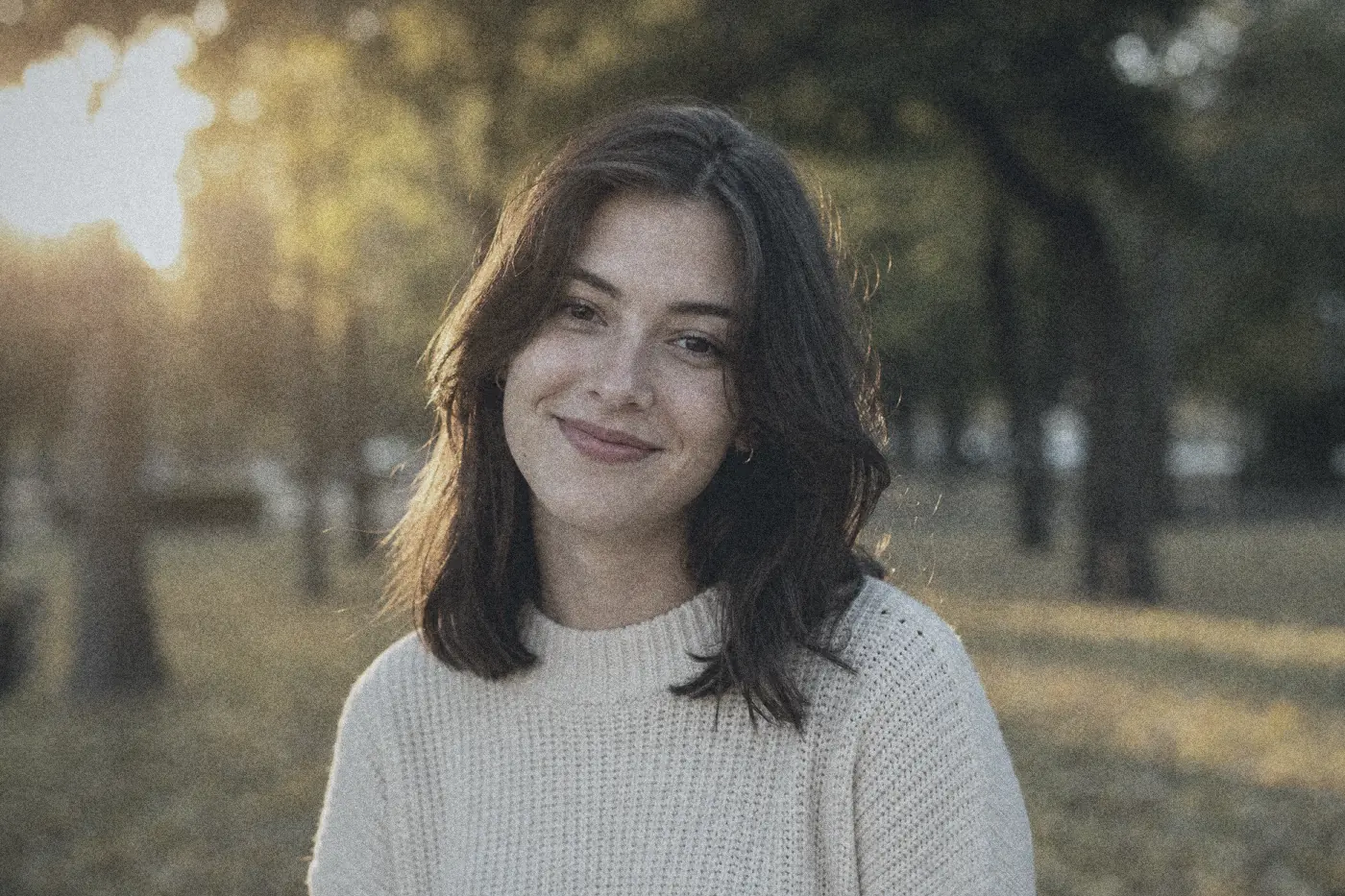
Moderate contrast with slightly cool shadows and a documentary street-photography feel.
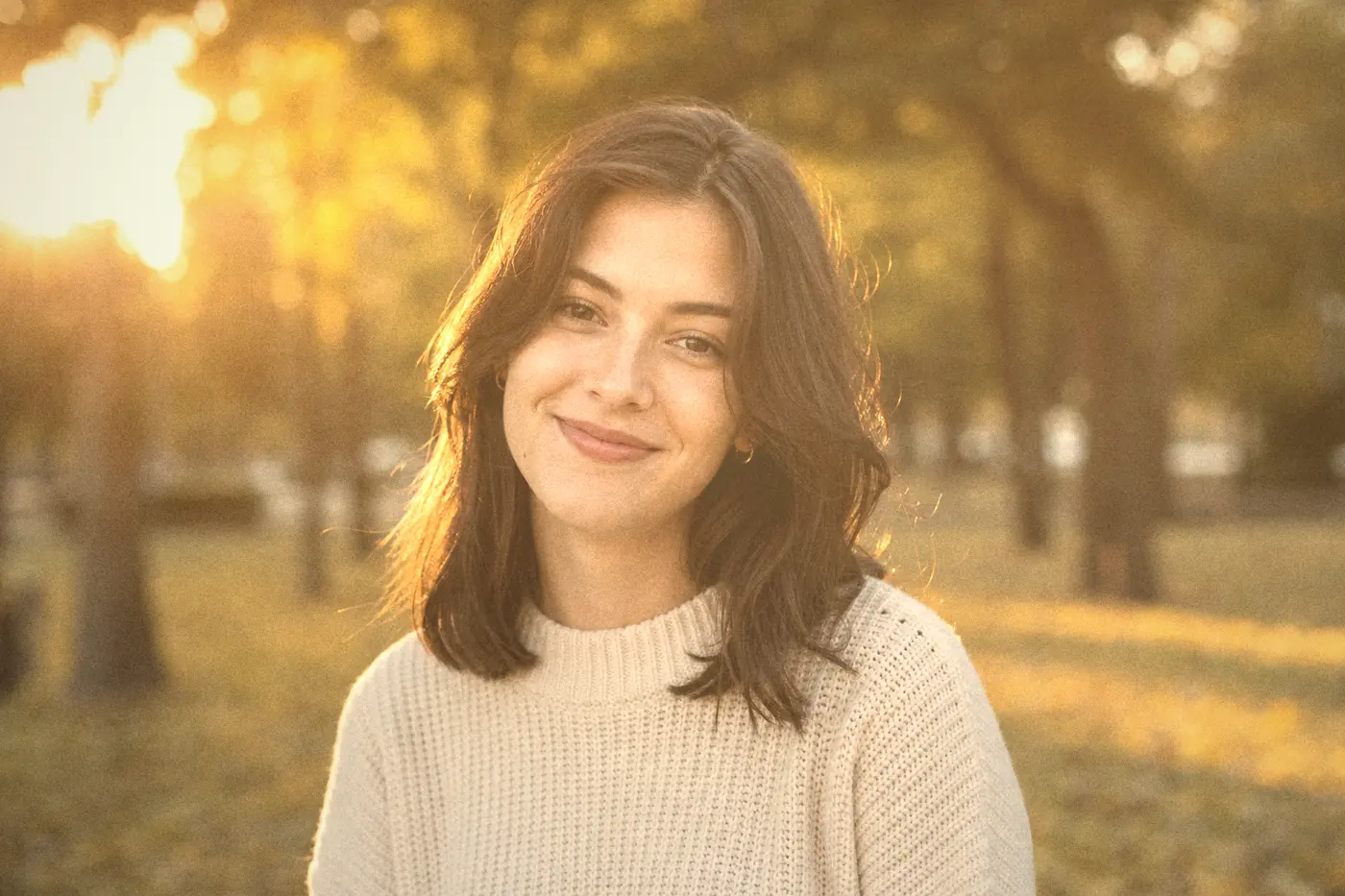
Golden cinematic warmth with controlled contrast and a subtle glow, ideal for sunset and golden-hour photos.
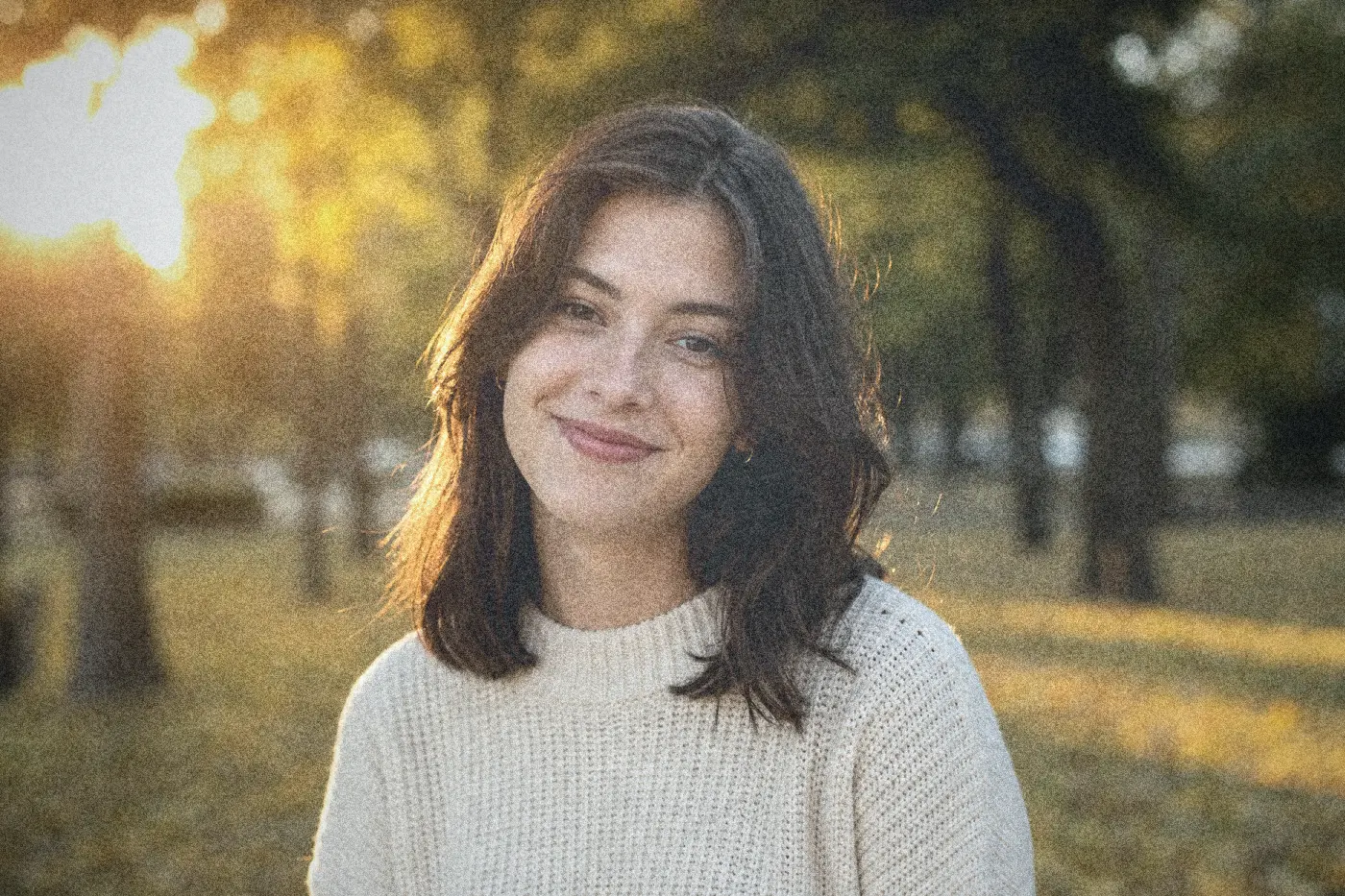
Punchier contrast, a flash-lit color cast, and coarse grain, just like a point-and-shoot camera from a drugstore photo envelope.
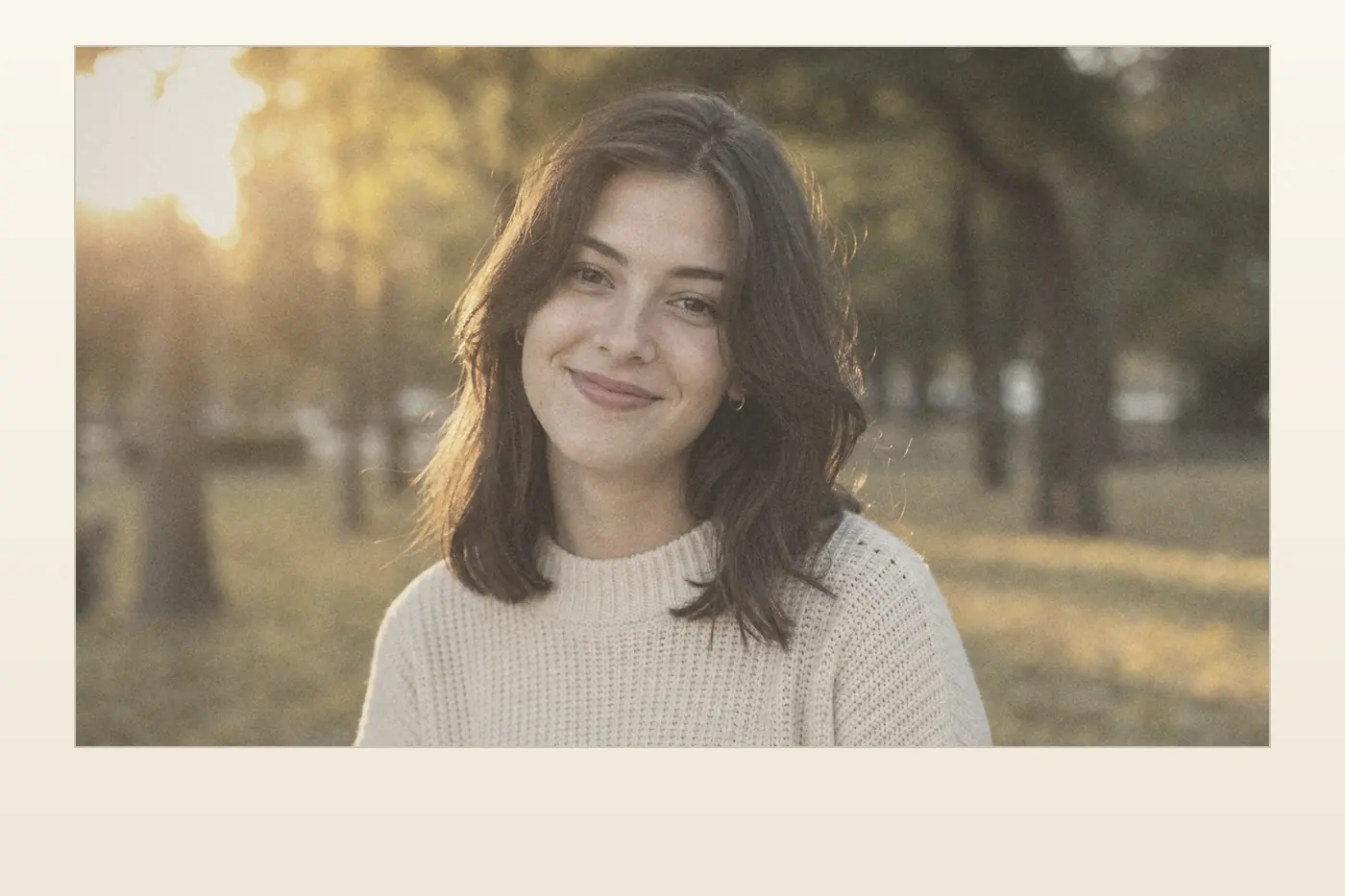
Soft faded color and a subtle paper border recreate the feel of an instant-print photo pulled fresh from the camera.
The same old photo, film look, and camera effect presets work on more than portraits. Here is how they can be used across different subjects.
Warm Portrait 400 or Classic Old Photo work well for profile pictures and headshots.
Faded Family Album and Antique Sepia recreate the feel of old prints kept in a family photo box.
Cine Gold adds a cinematic, golden warmth that suits wedding and couple photography.
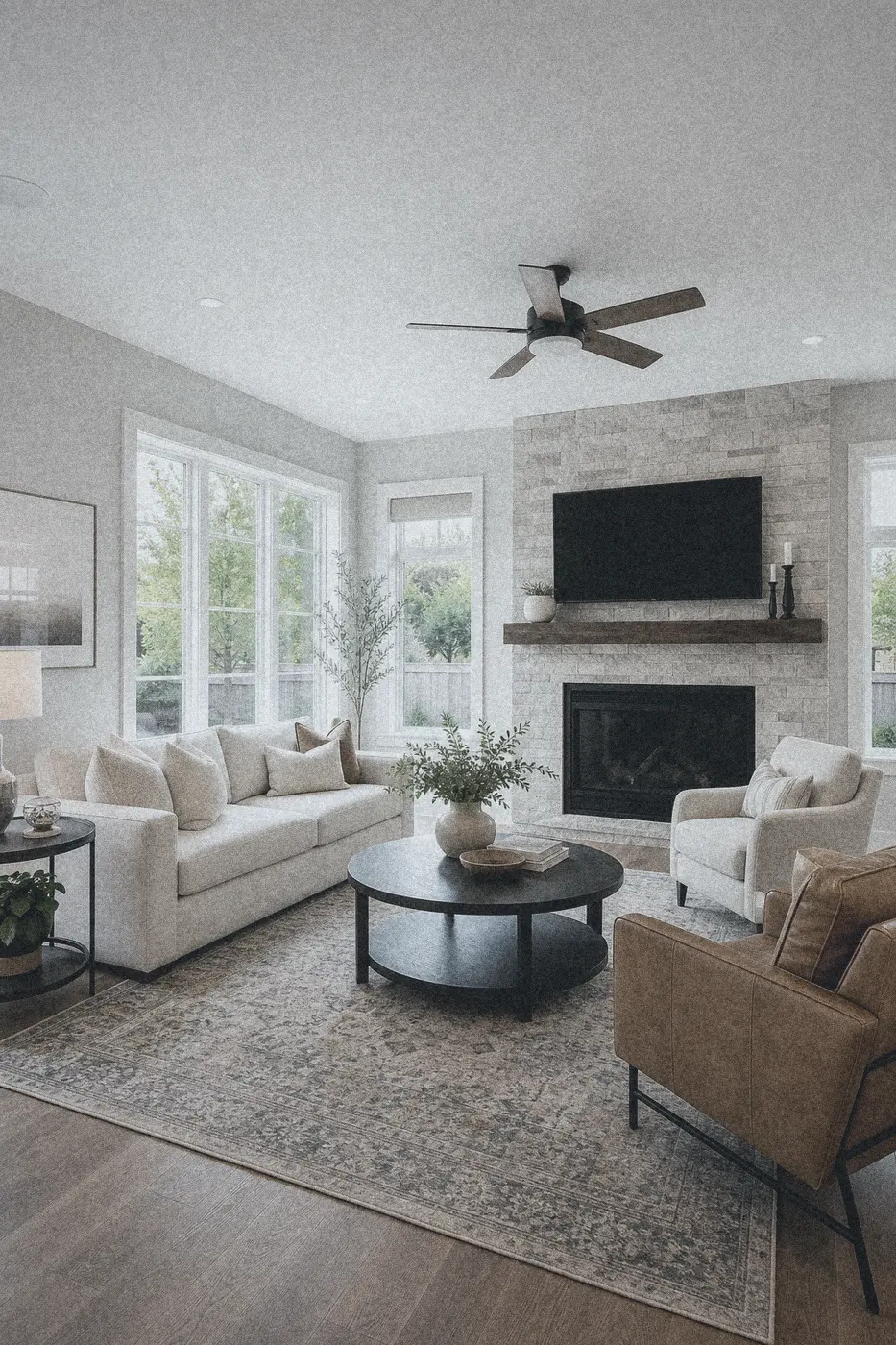
Classic Old Photo or Street 35mm add warmth and atmosphere to listing photos without making rooms look dirty or dated.
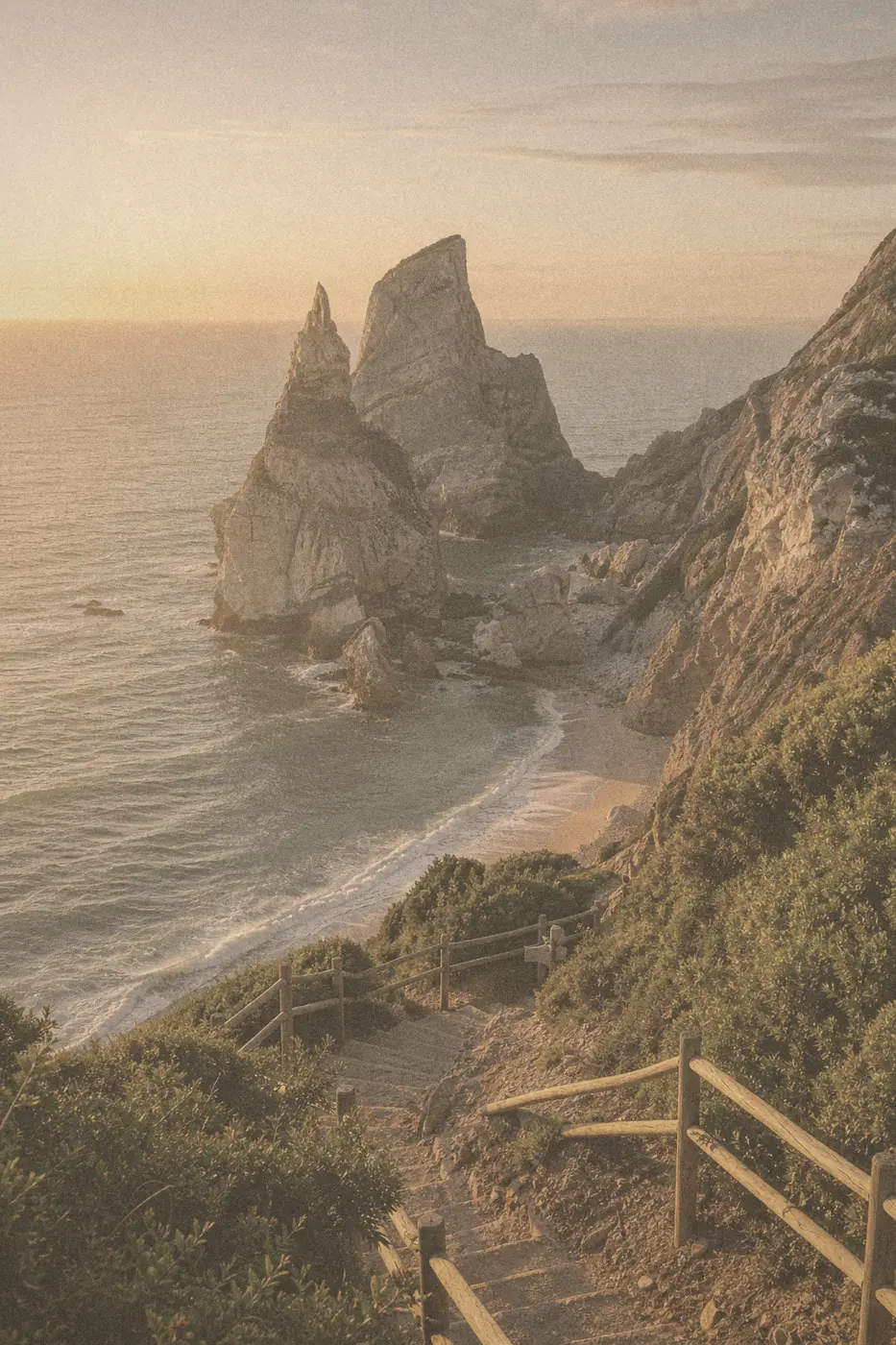
Street 35mm and Faded Family Album give travel photos a documentary, lived-in feel for albums and posts.
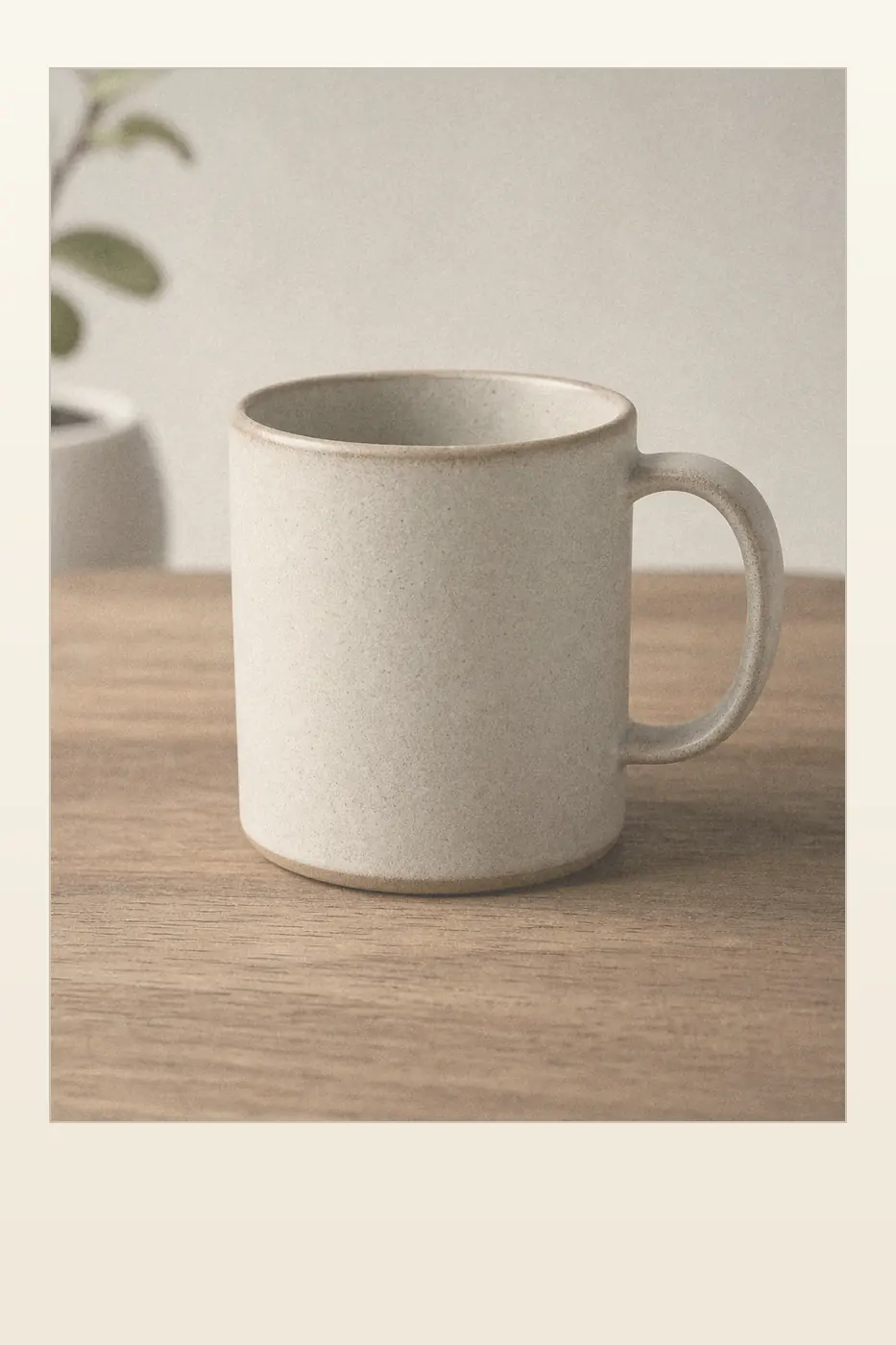
Instant Print and Cine Gold add a distinctive, editorial mood to product shots and content photography.
You do not need Photoshop or editing experience. The whole process happens on this page.
Choose a portrait, family photo, travel shot, or any image you want to give a vintage or film-inspired look. You can also drag the file into the editor or paste it from your clipboard.
Start with an Old Photo, Film Looks, or Camera Effects preset. Move the effect slider until the texture and color feel natural for your photo.
Drag the before-and-after control to check the details, then download your finished photo as a high-quality image.
An old photo filter, vintage photo filter, or film-inspired look is a digital effect that makes a modern image resemble an aged print or a film camera photo. A retro photo filter can combine faded contrast, warm or sepia color, grain, dust, scratches, and vignette or light leaks. It changes the photo's style, not the age or identity of the people in it.
Older prints often lose contrast and shift toward warm brown, amber, or muted colors. Sepia creates the most recognizable antique look, film-inspired looks lean warmer or cooler, and a lighter fade feels closer to an old family album.
Fine, irregular grain removes the perfectly clean digital appearance. A realistic result uses enough grain to add texture without hiding facial details, and stays visible once the effect strength is above roughly 40%.
Small dust marks and occasional scratches suggest physical film or paper that has aged over time. Presets like Antique Sepia and B&W Archive keep a minimum amount of dust and scratches visible so the effect reads as genuinely old.
Darker corners draw attention toward the subject, while a soft warm light leak or glow can imitate imperfect film exposure or halation. Both stay close to each preset's base intensity rather than fading away at moderate strength.
| Photo | Recommended start |
|---|---|
| Portrait or selfie | Warm Portrait 400 or Classic Old Photo at 45–60% so skin and eyes remain clear |
| Family or wedding photo | Faded Family Album or Cine Gold at 60–75% for a warm album or cinematic look |
| Building or historical scene | Antique Sepia at 70–85% |
| Casual snapshot or night out | Disposable Flash at 50–70% |
| Street or travel photo | Street 35mm at 45–65% |
| Documentary-style image | B&W Archive at 60–80% |
| Social post or quick share | Instant Print at 55–75% |
The most convincing effect is rarely the strongest one. Start around 60%, compare the face and bright areas with the original, then add more intensity only if the texture still looks natural.
See each old photo, film look, or camera effect preset as soon as you select it. There is no editor to learn and no second page to wait for.
Your photo is processed locally with browser technology. It is not sent to our server, saved to an account, or added to a public gallery.
Old Photo, Film Looks, and Camera Effects cover antique, faded-album, portrait-film, street, cinematic, flash, and instant-print looks. One strength slider keeps the workflow simple.
Use this browser preview without creating an account and download the finished image without an Old Photo Filter logo placed over your work.
Every old photo, film look, and camera effect preset on this page runs locally, using your browser's Canvas rendering. Your original photo never leaves your device.
There is no network request for the photo you edit. Decoding, filtering, and export all happen in your browser.
We do not log filenames, image content, blob or object URLs, or clipboard content. If you allow optional analytics, the editor is explicitly masked from session recordings.
Clear removes your photo from memory and revokes its local object URL. Refreshing or leaving the page removes it too.
All film-inspired looks are independently created by OldPhotoFilter.com. This product is not affiliated with, sponsored by, or endorsed by any camera, film, or photography brand.
Planned account tiers include 2 Free credits or 300 Pro credits per month. Accounts and billing are not enabled yet, this preview works fully without signing in.
$0
2 photo credits when accounts launch
1 photo = 1 credit
$4.99 / month
300 credits every month
1 photo = 1 credit
Pricing describes the planned account-based plans. Accounts, billing, payments, and credit enforcement are not enabled in this preview.
An old photo filter makes a modern picture resemble an aged photograph or film print. It can add faded color, sepia tone, grain, dust, scratches, light leaks, and vignette without changing the subject of the photo.
Old Photo presets recreate aged prints and albums (Classic, Antique Sepia, Faded Family Album, B&W Archive). Film Looks recreate film-inspired color and grain without naming any brand (Warm Portrait 400, Street 35mm, Cine Gold). Camera Effects recreate the feel of specific cameras or print styles (Disposable Flash, Instant Print).
Upload your photo, choose a preset from Old Photo, Film Looks, or Camera Effects, and adjust the effect strength. Compare the result with the original, then download the finished image. No editing software is required.
Yes. The current browser preview is available without an account. The planned Free account tier includes 2 photo credits, while Pro is planned at $4.99 per month with 300 credits. Account-based limits and billing are not enabled in this preview.
No. Image processing happens locally in your browser. Your photo is not uploaded to the Old Photo Filter server or saved in a public gallery.
No. This is a vintage and film-inspired photo filter, not an old-age face filter. It changes color and texture but does not add wrinkles, gray hair, or alter a person's identity.
You can use JPG, PNG, and WebP images up to 25MB. SVG files are not accepted. For the most reliable result, use a clear, high-quality image.
The filter does not claim ownership of your image. You are responsible for having the rights to the source photo and for following any laws, licenses, or platform rules that apply to your use.
No. All film-inspired looks are independently created by OldPhotoFilter.com. This product is not affiliated with, sponsored by, or endorsed by any camera, film, or photography brand. Preset names like Warm Portrait 400 and Street 35mm describe a style, not a specific product.
Preview nine old photo, film look, and camera effect styles in your browser, then explore the planned Free and Pro credit options.